
Central ERP for Specialist Contractors
ERP for specialist contractors managing projects and crews
Central ERP is ERP for specialist contractors who juggle projects, crews, materials and compliance. It brings scheduling, purchasing, stock, people and finance into one cloud system, so you can see every project's progress and cost without chasing updates from site.
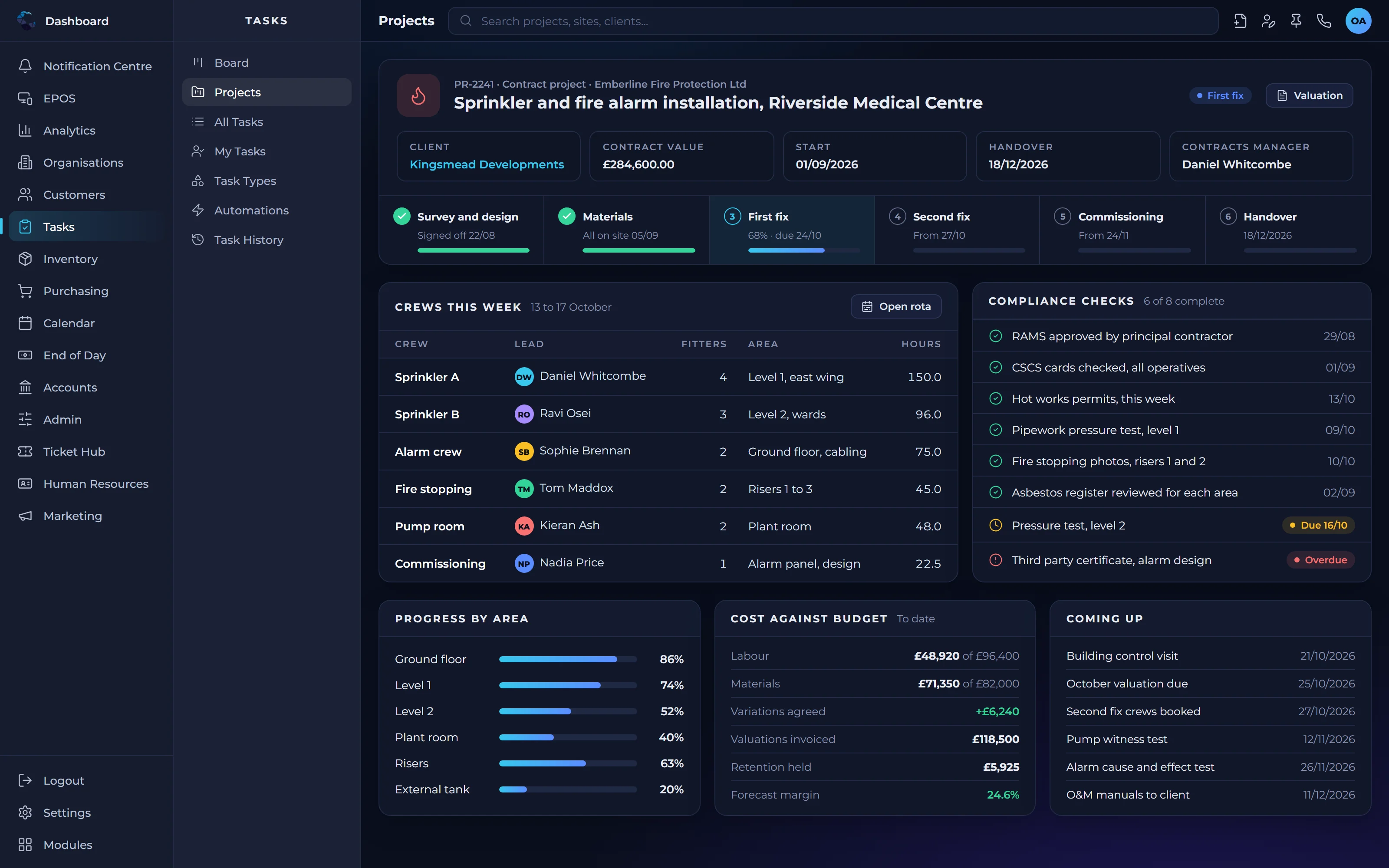
Common challenges for specialist contractors
- Project costs only clear once the job is finished
- Crews and equipment double booked across sites
- Compliance paperwork chased at the last minute
- Materials ordered late or delivered to the wrong place
How ERP for specialist contractors keeps projects on track
Projects planned and tracked
Project Management shows tasks, progress and costs for every job, so issues surface while there is still time to act.
Crews in the right place
Field Service Management helps you schedule crews and visits across sites, avoiding clashes and wasted journeys.
Compliance built into the job
Custom Tasks & Automation lets you define risk assessments, permits and sign offs, triggered automatically at the right stage.
Materials ordered on time
Order & Procurement Management links supplier orders to projects, so materials arrive when and where they are needed.
Costs and billing in step
Financial Management connects project costs with invoicing, giving you a clearer view of margin on every job.
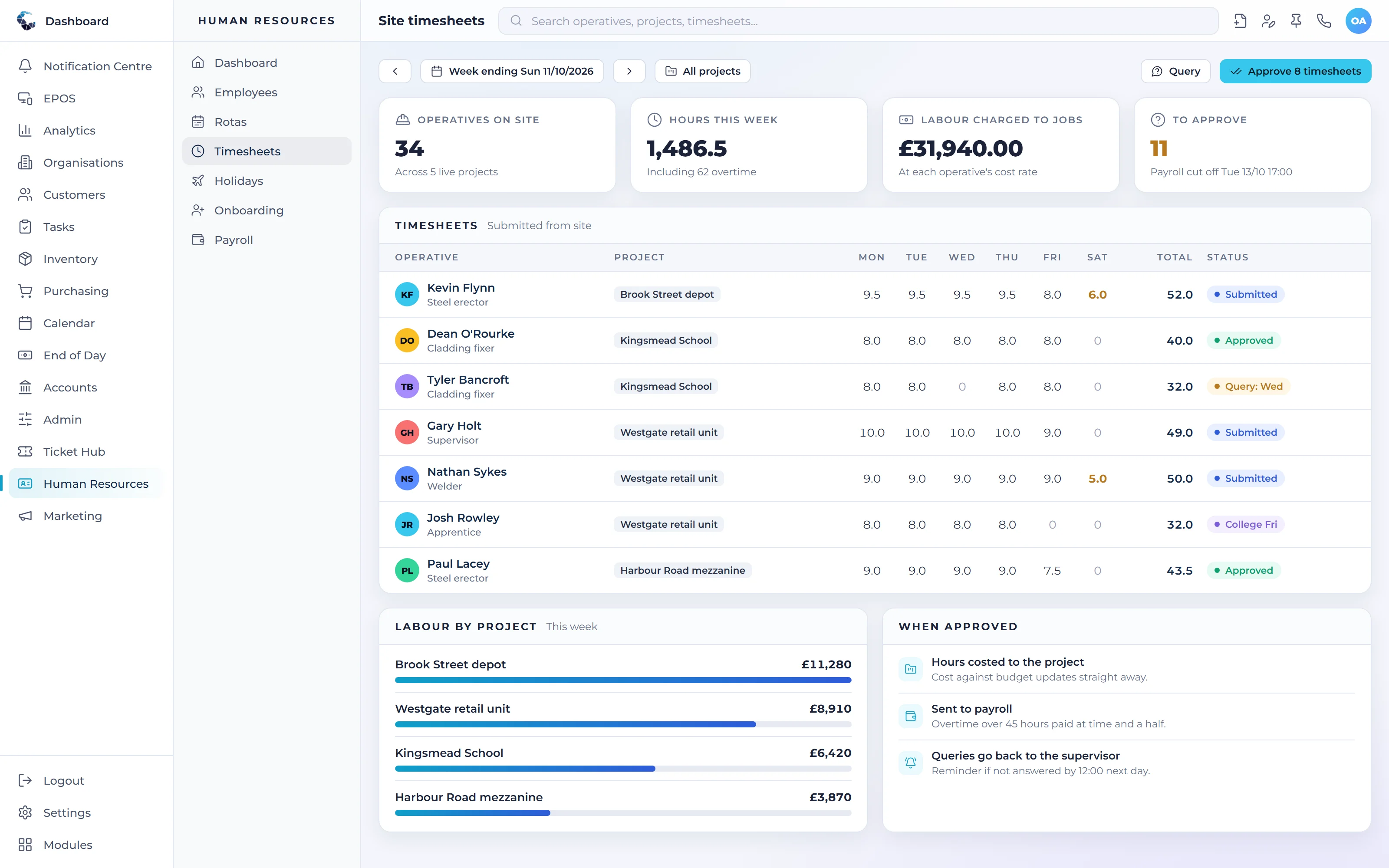
Modules specialist contractors businesses rely on
Start with the modules you need today and switch on more as you grow. Everything shares the same live data.
- Project ManagementPlan, assign and track work from start to finish
- Field Service ManagementSchedule callouts and installs, and close jobs faster
- Custom Tasks & AutomationDefine your own procedures and automate them
- Order & Procurement ManagementPurchasing and supplier orders under control
- Financial ManagementInvoicing, cash and financial control in real time
- Human ResourcesPeople, rotas, timesheets and holidays in one place
See Central ERP for specialist contractors in action
A tailored demo, built around your processes, with no obligation.
ERP for specialist contractors: your questions answered
What is ERP for specialist contractors?
ERP for specialist contractors is software that manages projects, crews, materials, compliance tasks and finance together. It replaces separate spreadsheets and apps, giving you a live view of project progress and cost, and helping ensure the right people and materials reach each site on time.
Can Central ERP help with contractor compliance tasks?
Yes. The custom task engine lets you define your own compliance steps, such as risk assessments, method statements or sign offs, and trigger them automatically when a project reaches a certain stage. Tasks are assigned to the right people and you keep a record of completion.
Can Central ERP track costs on each project?
Yes. Central ERP links purchasing, labour and invoicing to each project, so you can see what a job has cost against what it is earning while it is still underway. That makes it easier to protect margins and have informed conversations with clients about variations.
Is Central ERP suitable for a growing contracting business?
Yes. Central ERP is built for SMEs, including contractors running several crews. You can start with project management, scheduling and invoicing, then add HR, payroll or stock as the business grows, supported by a UK team that helps you set it up around your processes.
How much does ERP for specialist contractors cost?
Central ERP is priced per user, with Standard at £40 and Complete at £80 per user per month, excluding VAT. A free plan and custom plans are also available. Contractors pay for the people who use the system, so costs stay predictable as crews and office staff grow.
Can Central ERP stop crews being double booked?
It helps. Field Service Management schedules crews and visits across sites in one shared plan, so office staff can see who is already committed before booking new work. That visibility reduces clashes and wasted journeys compared with diaries, whiteboards or separate spreadsheets that are hard to keep in step.
How long does it take to set up ERP for specialist contractors?
Typical setup and configuration of Central ERP takes two to four weeks, depending on the complexity of your projects and compliance steps. Our UK team maps how you run jobs today, configures projects, scheduling and task workflows to match, then trains your office and site teams.