
Knowledgebase
Central ERP knowledgebase
Find your way around the Central ERP knowledgebase, with guides on setting up, using each module and getting more from automation. Our help library is growing, and our UK team is always on hand for anything not yet covered.
Browse by topic
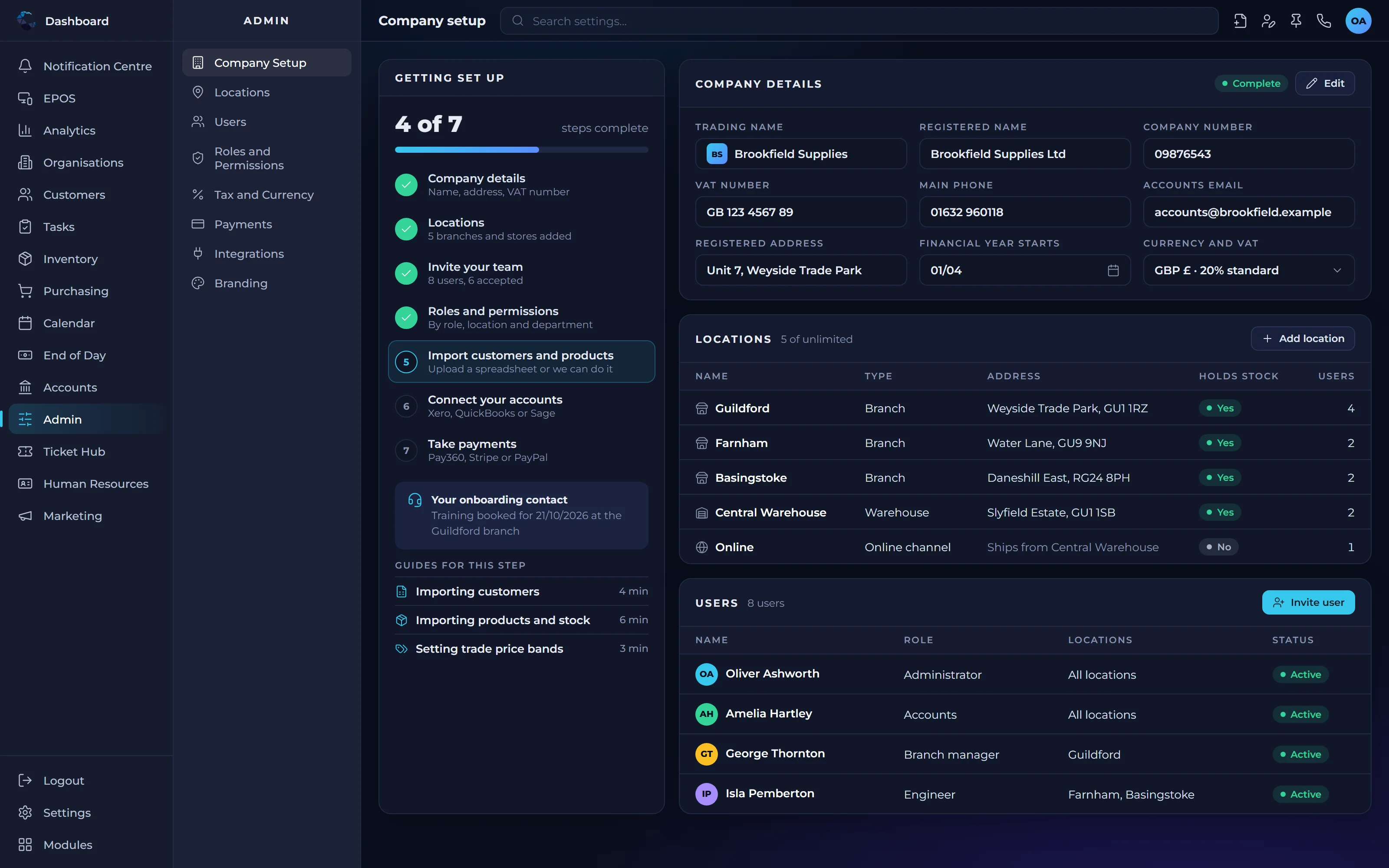
- Getting startedSetting up your account, users and first records.
- ModulesHow each part of Central ERP works and fits together.
- Custom tasks and automationBuilding task types, stages, fields and automations.
- IntegrationsConnecting Central ERP to your accounts package.
- Users and permissionsControlling access by user, role, location and department.
- Plans and billingChoosing a plan and changing it as you grow.
Cannot find what you need?
Our UK support team will point you in the right direction.
Central ERP knowledgebase: your questions answered
What is in the Central ERP knowledgebase?
The Central ERP knowledgebase brings together help and how to guides for getting started, using each module, building custom tasks and automations, connecting integrations and managing users and plans. We are adding articles regularly, and our UK support team can answer anything that is not covered yet.
How do I get started with Central ERP?
To get started with Central ERP, create a free account or book a demo, then set up your users, locations and first records. The Getting started topic in the Central ERP knowledgebase walks through each step, and our UK team can help you map your processes before you configure anything.
How do I set up users and permissions in Central ERP?
Central ERP lets you control access by user, role, location and department, so each person sees only what they need. The Users and permissions topic explains how access works, and if you are unsure how to structure roles for your team, our UK support team can advise on a sensible setup.
Can I build my own workflows in Central ERP?
Yes. Central ERP lets you build your own task types, with stages, custom fields and condition based automations that match how your business works. The custom tasks and automation guides explain how these pieces fit together, so you can start simply and add automation as your processes become clearer.
How do I connect Central ERP to Xero?
Central ERP connects to Xero through its API, so your operational data and your accounts can work together without double entry. The Integrations topic in the knowledgebase covers how the connection works, and our team can help you set it up and check it suits the way your business runs its finances.
What if the knowledgebase does not answer my question?
If you cannot find an answer in the Central ERP knowledgebase, contact our UK support team by phone, email or the contact form. You will speak to people who build and support the system, and the questions you ask help us decide which new help articles to add next.